No items found.
No items found.

A board of directors presentation aims to inform and convince a group of business executives to help you achieve organizational goals. But it takes more than just data to build a convincing presentation.
Here are 10 non-data components you can use to build an outstanding board of directors presentation.
Key takeaways:
When executives present to a board of directors, they have a complete understanding of the topic and audience. You can make your message more relevant when you understand who you’re talking to through research about their position and needs.
With that previous understanding of your audience, you can address your topic in a way that’s relevant and engaging to your audience.
Maintaining composure while delivering presentations means remaining in control, even when you feel uncertain, nervous, or make a mistake.
An incident at the World Cup shows what happens when someone doesn’t keep their composure. Argentina’s player, Leandro Paredes, lost his composure after a foul and kicked the soccer ball directly into the opposing team’s bench. This resulted in an on-field brawl as the Netherlands team charged toward the player.
While board rooms don’t usually break out in physical fights, your audience will directly reflect your attitude. Your audience will react negatively if you don’t control your speech, bodily antics, and responses.
Control your movements, correct yourself calmly, and don't stress over complex questions. This will give you authority, build trust with your audience, and improve the audience’s response.

When you deliver presentations with empathy, you come from the perspective of the audience. You show the board that you recognize their concerns and hesitations. Then, you share a solution that addresses those concerns.
If you're introducing a project that comes with additional costs, the board might be concerned about where that money will come from. An empathetic speaker will recognize those concerns as legitimate and answer all questions as equally important.
Some common concerns among board members are cost, timeline, and risk.
People are more likely to listen to a charming speaker than a dry one. Here are some keys to being charming in board presentations:
Presentation charm comes down to one simple rule: Be yourself. When you’re genuine and approachable, your audience will be more open to listening to your presentation.
Personable presenters create space for the audience to feel comfortable asking questions and expressing concerns.
You can be personable by stepping out from behind the podium, making eye contact, and even naming directors during the presentation. A personable presenter turns the presentation into a conversation that involves the audience rather than a passive speech the audience hears and then forgets.
Board presentations aren’t TED Talks. While you want to be charming and engaging, you don’t want your stories and charm to distract from the core message.
Board presentations are primarily a time for conveying information, not entertaining your audience, so your focus is still sharing data and results. This allows your audience to make informed conclusions and understand the company’s direction.
If you don’t believe in what you’re saying, your audience won’t either. However, a presenter who confidently approaches the topic is more likely to inspire their audience’s action.
How you carry yourself will show your confidence level. A highly confident speaker will stand up straight, make eye contact, and speak with authority. Confident speakers also use gestures to complement what they’re saying.
Confident speakers don’t use filler words, like “You know?” and “Uh...”
Speaking slowly also shows confidence. Speakers who aren’t confident don’t like silence and tend to fill it with fluff or don’t take their time. Confident speakers know silence gives the audience time to digest their point.
Good presenters can read the room and use it to adjust their presentation.
If you observe your audience is confused, pause and expound on the point further.
Notice a negative response to what you introduced? You may want to address those concerns to show you recognize them. Then offer a solution to show you’ve considered the feedback.
Be open to questions and turn your presentation into a conversation.
You might set aside time at the end of each section of the presentation to ensure the board understands your points before you move on. However, if the presentation is shorter, you can wait till the end for questions.
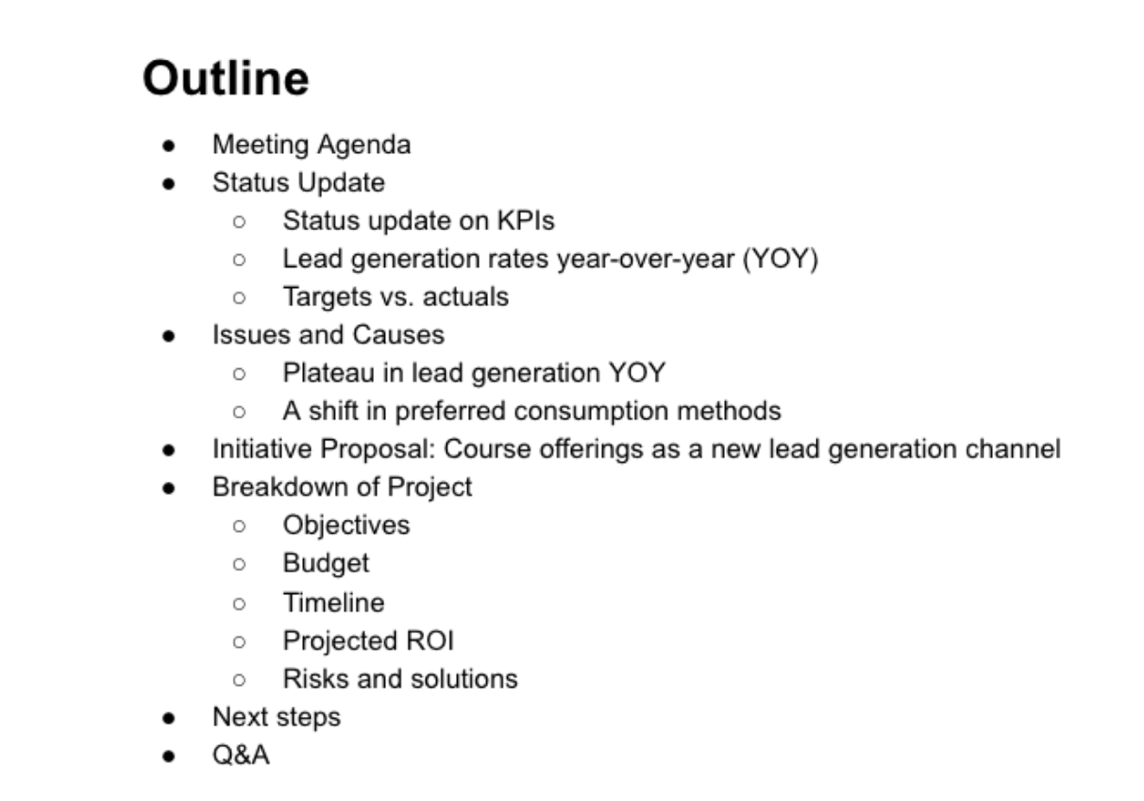
Prepare an outline and practice your presentation beforehand. You want to practice your presentation style, pacing, and posture to ensure the information is clear and the board of directors is receptive to the information. Technical difficulties, unpracticed presentations, and mistakes can hurt your message.
Prepared speakers also examine the presentation room beforehand. Familiarizing yourself with the room allows you to visualize yourself giving the presentation. You can understand how to present your message, how to connect your laptop to the projector, where you’ll place your laptop and papers, and where you’ll stand during the presentations.
Level up your next board of directors presentation with Prezent, the AI-integrated presentation productivity platform helping enterprise teams supercharge their slides.
Download our free e-book: Seven Keys to Ace Executive Presentations
Prezent combines audience preferences, business storytelling, and beautiful design into an easy-to-use tool for building hyper-personalized presentations on brand-compliant slides, every single time. Prezent provides you with 35,000+ template slides pre-designed with key business storylines in mind. And the platform’s built-in knowledge helps ensure you’re communicating your ideas in the most effective way.
Ready to add Prezent to your presentation preparation toolbox? Sign up for our free trial or book a demo today!













