Last Updated :
October 11, 2022
Jessica Cara

5 best practices from Roger Federer's retirement speech

Federer retires holding 20 Grand Slam titles and more than 100 tournament wins worldwide.‍
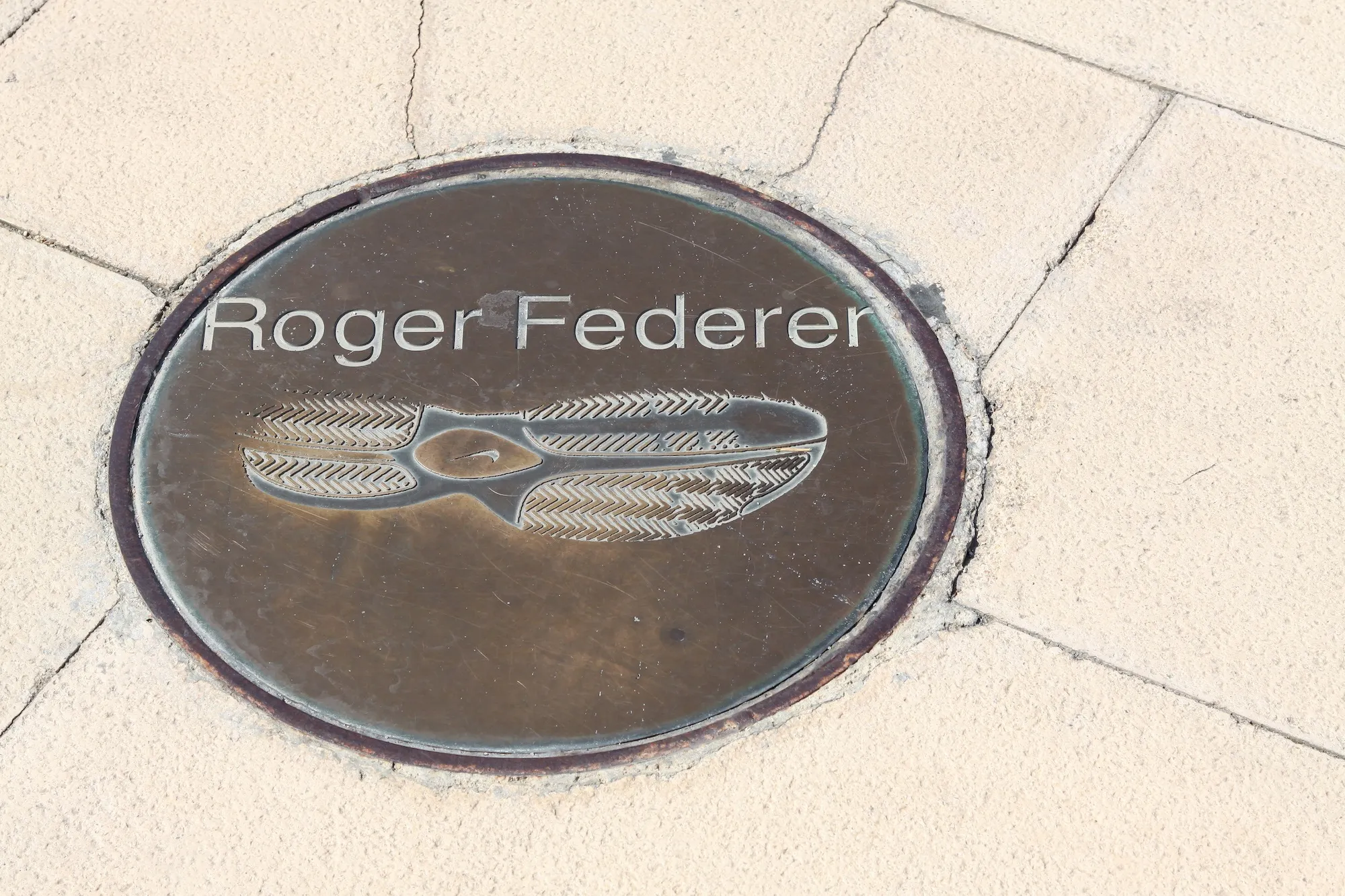
roger federer's footprint

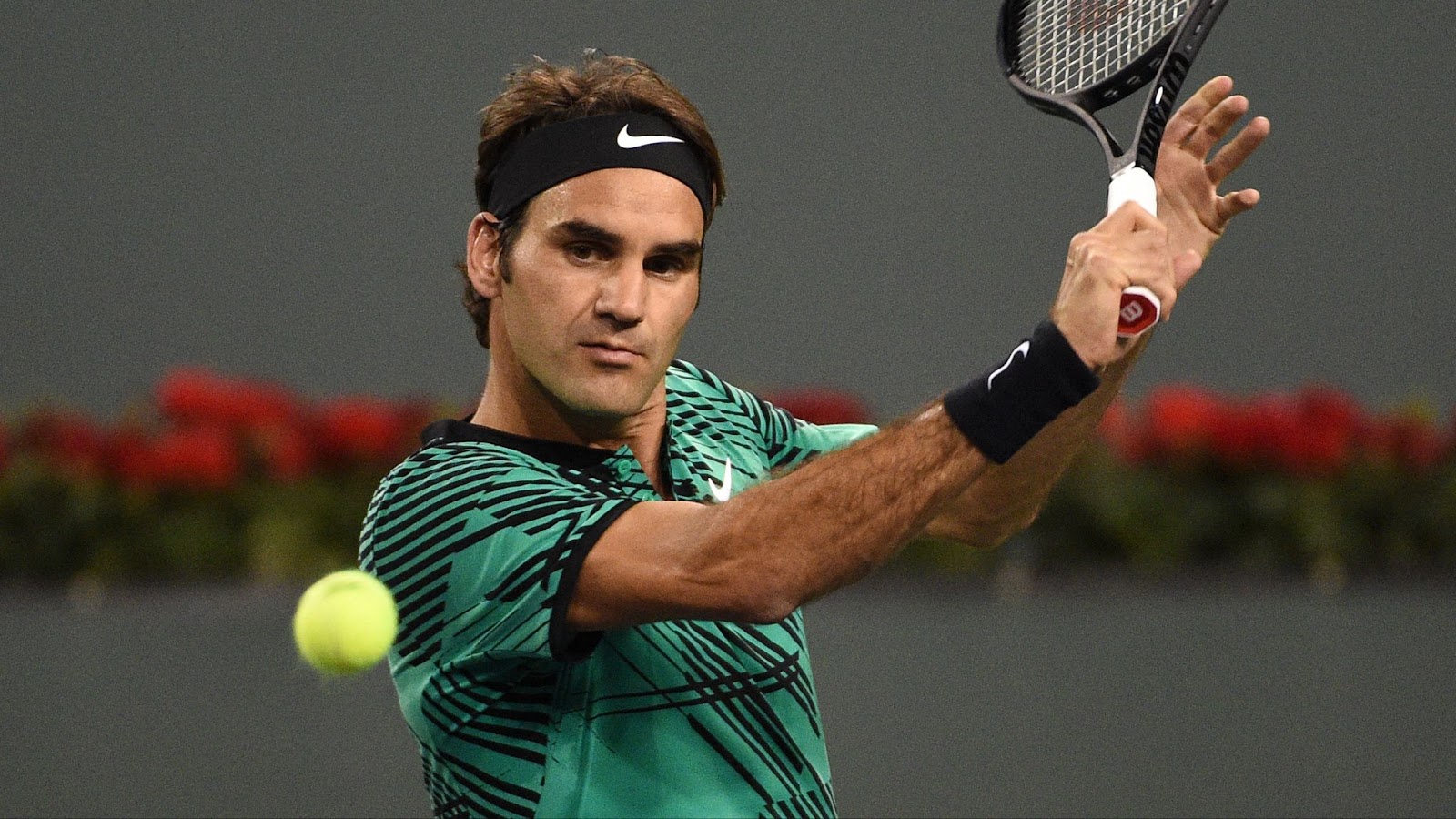
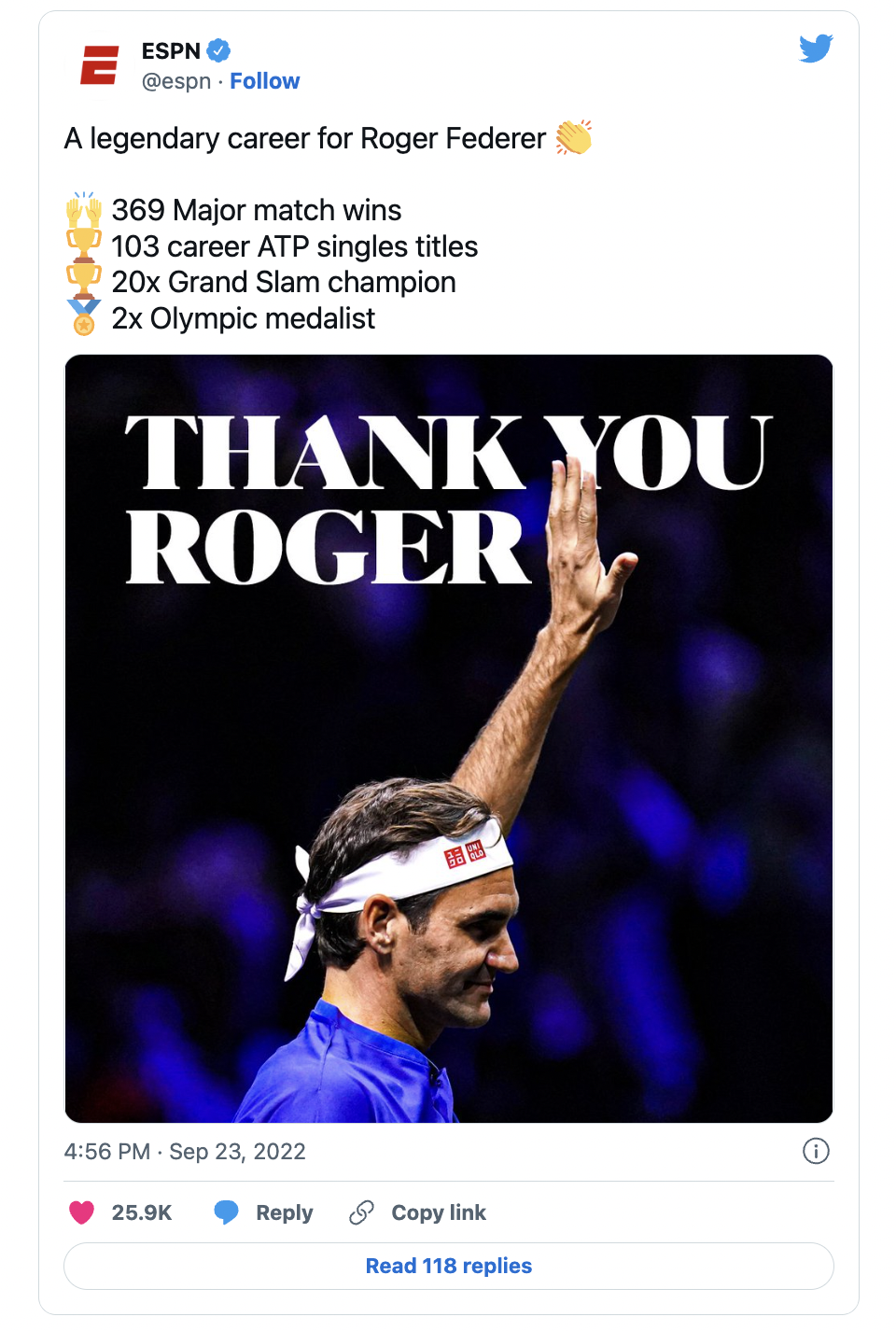
This past September, tennis legend Roger Federer retired from the sport after 24 years on the ATP Tour—the worldwide top-tier tennis tour for men. He retires holding 20 Grand Slam titles and more than 100 tournament wins worldwide.

Image source

Before he played his final match at the 2022 Laver Cup, Federer announced his bittersweet retirement in a video shared online.

View a transcript of Federer’s statement here.

All momentous careers must eventually come to an end, and one day you may find yourself having to prepare a retirement speech.

Until then, here are 5 key takeaways from Federer’s swan song proclamation that can be universally used to captivate your audience as you speak.

Involve the audience early

A surefire way to grasp your audience’s attention is to engage them immediately. Federer does just that in his opening by addressing his audience directly:

“Of all the gifts that tennis has given me over the years, the greatest, without a doubt, has been the people I've met along the way: my friends, my competitors, and most of all the fans who give the sport its life. Today, I want to share some news with all of you.

Pace yourself

Your pace—how quickly you speak—can be adjusted to add emphasis to certain parts of your speech. As Federer reads his statement, he uses a steady, even pace to deliver his message. At this speed, we (the audience) can not only understand Federer clearly, but we can also hear and feel the emotion in his voice on having to step away after such an illustrious career.

Segment the audience

A powerful strategy great orators use to better connect with listeners is to segment their audience. Instead of speaking to a faceless mass, use this technique to personalize portions of your speech so they resonate with different portions of your audience.

In Federer’s speech, he segments his audience into the following:

  • His wife and children
  • His parents, sister, and coaches
  • Swiss Tennis and his teammates
  • His manager for the past 17 years
  • His competitors
  • His fans

And to conclude his speech with a complete and bittersweet end, Federer addresses one final segment—the sport of tennis. 🎾

“Finally, to the game of tennis: I love you and will never leave you.”

Power of the pause

A pause can be useful in your speech to help add emphasis or indicate clear transitions. Throughout Federer’s speech, his use of brief pauses act as natural transitions we can pick up easily and help set the pace and tone of the message.

The audience is the hero

A captivating speech will speak to your audience and include them, and Federer did just that with his retirement speech. His announcement could have been a brief message where he could have simply talked about himself and his accomplishments.

But that wouldn’t have been the Roger Federer we’ve all come to know and love.

In true Federer fashion, he used his announcement to express heartfelt gratitude for everyone—including millions of fans—who have supported him throughout his entire career. Even in his departure, Federer’s humble and kind-hearted nature shines through.

Game, set, match! Take these tips to supercharge your next speech. Want to power up your next presentation? Sign up for our free trial or book a demo today!

Ready to create impactful presentations?

Try for free
No items found.
No items found.
Related resources

BLOG
Niyati Mahale
April 6, 2026
14 latest AI tools for business, productivity, and workflows (2026)
Explore the latest AI tools in 2026 for business, productivity, and workflows. Compare tools that help you create, automate, and deliver better outputs faster.
BLOG
Niyati Mahale
April 6, 2026
Canva review (2026): features, pricing, pros & cons explained
This Canva review covers features, pricing, pros, cons, and real-world usability. See how Canva performs across design workflows and where it falls short for business communication.
BLOG
Supriya Sarkar
April 1, 2026
The best B2B AI tools for enterprise teams: Features, pros and cons, pricing, and use cases
Find the best B2B AI tools for enterprise teams. Evaluate features, pricing, pros and cons, and use cases to choose tools that fit your workflows and deliver measurable impact.
BLOG
Niyati Mahale
April 1, 2026
11 best Genspark AI alternatives I tested for 2026
This guide covers the best Genspark AI alternatives for content, SEO, and presentations. Compare features, pricing, and real-world usability to find the right tool.
BLOG
Supriya Sarkar
April 1, 2026
What is presentation software? A complete guide to how it works, what to look for, and how to choose the right one
What is a presentation software? This guide explains how it works, key features to look for, and how to choose the best presentation software.
BLOG
Supriya Sarkar
March 31, 2026
PopAI review: Complete breakdown of features, pricing, and alternatives
PopAI review: Is this AI tool right for business presentations? Explore features, pricing, limitations, and enterprise alternatives.
BLOG
Niyati Mahale
March 27, 2026
Microsoft Copilot review for presentations: features, pricing & limitations
Explore Microsoft Copilot’s features, pricing, and limitations for presentations. See how it performs and whether it fits your workflow.
BLOG
Niyati Mahale
March 27, 2026
Adobe Review (2026): Is Adobe InDesign Worth It for Business Use?
This Adobe review evaluates Adobe InDesign’s features, pricing, and usability. See how it performs for business workflows and where it falls short.
BLOG
Niyati Mahale
March 27, 2026
Best AI Pitch Deck Generators in 2026 (Tested & Reviewed)
I tested the best AI pitch deck generators to see which tools actually help you build clear, structured, and convincing pitch decks faster.
BLOG
Supriya Sarkar
March 26, 2026
10 Best PopAI alternatives: Compare features, AI capabilities, pricing, and free plans
Find the best PopAI alternatives and AI presentation makers. Compare AI features, pricing, and free plans to create smarter, more professional presentations.
BLOG
Niyati Mahale
March 27, 2026
Best Plus AI Alternatives in 2026: Top 8 AI Presentation Tools
I tested the best Plus AI alternatives to see which tools actually create presentation-ready decks. Here are the top AI presentation tools worth using in 2026.
BLOG
Supriya Sarkar
March 27, 2026
Nano Banana review: Evaluating strengths, workflow gaps, and AI solutions for enterprise presentations
Nano Banana review for enterprise presentations. Explore visual strengths, identify workflow gaps, and see how teams use AI to build faster, executive-ready presentations.
Free 14-Day Trial*

Customized On-Boarding*