No items found.
No items found.
Creating a presentation that resonates with a business audience is harder than it looks. Whether I’m preparing content for executives, customers, or internal teams, the challenge is rarely just putting slides together. It’s about shaping a clear story, translating complex data into insights, and staying aligned with brand expectations, all while working against tight timelines.
This is where AI presentation makers are starting to make a meaningful difference. Instead of spending hours formatting slides, searching for the right visuals, or restructuring content, teams can focus more on the message they want to deliver and the decision they want to drive.
In this article, I’ll walk through the practical benefits of AI presentation makers in real business workflows, along with common use cases. I’ll also highlight how platforms like Prezent AI help teams turn raw information into polished, business-ready presentations faster while still preserving the strategic thinking that strong presentations require.
AI presentation tools are software platforms that use artificial intelligence to plan, write, design, and refine presentations with significantly less manual work. Instead of starting from a blank slide, users provide a simple input such as a topic, an outline, or a source document like a report or spreadsheet. The system then generates a structured first draft of the presentation.
This typically includes slide titles, key points, supporting visuals, and layouts that follow consistent design standards. The purpose is not to replace human judgment or storytelling. It is to remove repetitive tasks so teams can focus on shaping insights and strengthening the narrative.
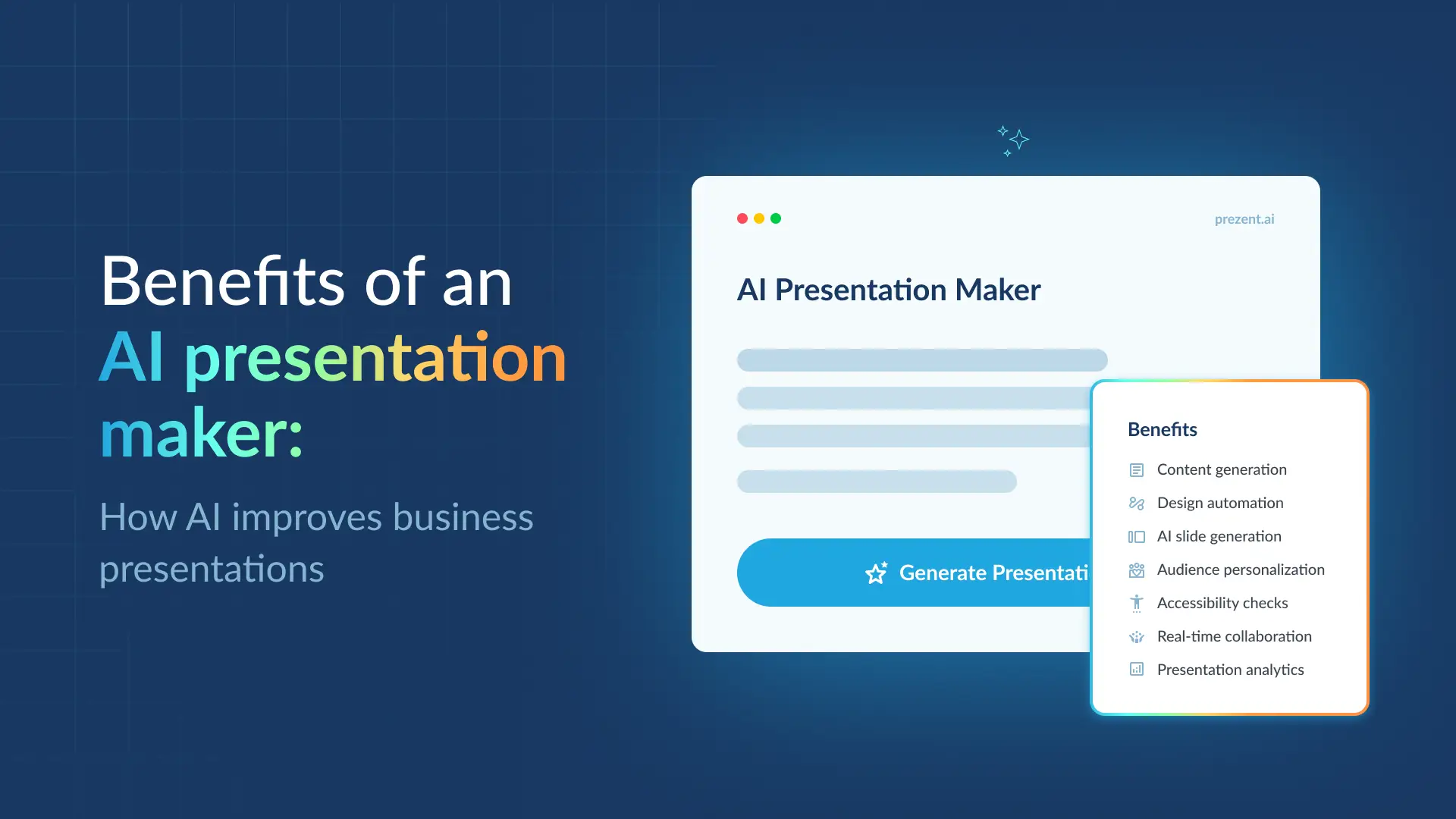
Most AI presentation makers support several core capabilities:
If you are evaluating tools for your organization, you can review this list of the best AI presentation makers to compare features, capabilities, and use cases before selecting the right platform.
For most organizations, the value of an AI presentation maker goes far beyond producing slides faster. These tools improve how presentations are created, structured, and governed across teams. The result is clearer communication, more efficient workflows, and stronger brand consistency.
Many organizations report significant reductions in the time required to build presentations while also producing more consistent client-facing materials.
Below are the benefits business teams commonly experience.
Time savings is often the first benefit teams notice. Building a presentation usually involves gathering information, structuring content, and formatting slides. AI presentation makers automate many of these steps.
Key efficiencies include:
In practice, this changes how teams produce presentations. A sales operations team preparing multiple pitch decks, for example, can reuse a core storyline while the AI adjusts slides for each industry or persona.
Most professionals who create presentations are not designers. AI presentation makers help close that gap by applying design principles automatically.
Typical design improvements include:
This allows teams to produce professional-looking presentations without relying on a dedicated design resource. For everyday business presentations such as sales updates, quarterly reviews, and internal briefings, automated design often delivers the level of quality required.
AI presentation makers also help improve how ideas are structured and communicated.
They can turn scattered notes or source documents into clearer narratives:
Think of this as starting with a well-organized first draft. The presenter still shapes the final message, but the initial structure is often clearer and easier to refine.
Enterprise teams frequently present the same core message to different audiences. Executives, customers, and partners often require different levels of detail and emphasis.
AI presentation makers help tailor presentations by:
For example, an account team may maintain a single platform overview deck. The AI can adjust case studies, metrics, and positioning for each prospect while keeping the central narrative intact.
Slide decks are a common source of brand inconsistency across organizations. Different teams may use outdated templates, inconsistent colors, or varying messaging styles.
AI presentation makers designed for enterprise use help address this by enforcing brand standards:
Platforms such as Prezent AI place strong emphasis on this capability, helping organizations maintain consistent messaging and design across large volumes of presentations.
Accessibility is increasingly important in enterprise communication. AI presentation makers can help ensure presentations are easier for broader audiences to consume.
Typical accessibility support includes:
These features help teams meet accessibility expectations without requiring additional manual review.
Most presentations involve multiple contributors. Sales, product, marketing, and finance teams often collaborate on the same deck.
Modern AI presentation makers support this workflow through:
These capabilities reduce confusion around multiple versions and help teams move from draft to final presentation more smoothly.
AI presentation makers can also provide valuable insights into how presentations perform and how audiences engage with different types of content.
These insights often include:
More advanced capabilities analyze communication preferences across different audience groups. By identifying patterns in how executives, technical stakeholders, or industry-specific audiences consume information, the system can recommend adjustments to the presentation. This may involve changing the level of detail, refining the narrative flow, or emphasizing metrics and insights that resonate most with that audience.
Over time, these insights allow teams to refine how they structure and deliver presentations. Instead of relying purely on intuition, presenters can use data to shape presentations that align more closely with the communication styles and expectations of their target audience.
If you are evaluating tools for your organization, read our guide on how to choose the best AI presentation maker to compare features like AI-generated decks, templates, brand control, and integrations before selecting the right platform.
AI presentation makers help organizations solve common presentation challenges and turn them into repeatable workflows. Across sales, leadership, and specialized teams, these tools reduce preparation time while improving the clarity and consistency of business communication.
Below are examples of how teams use AI presentation makers in real scenarios.
Sales teams frequently create customized pitch decks for prospects across different industries. These presentations often combine information from CRM notes, discovery calls, product documentation, and case studies. AI slide generators can transform these inputs into structured presentations with relevant messaging, metrics, and visuals while maintaining brand consistency.
Real-world impact: A biotech startup faced communication gaps and inconsistent sales pitches that slowed down their teams and increased design costs. After adopting an AI presentation maker, the company reduced deck creation time by 50%, standardized messaging across sales teams, and saved approximately $50,000 per employee annually on design-related expenses.
Customer success teams regularly prepare quarterly business reviews using product usage data, support history, and renewal objectives. AI presentation makers can process spreadsheets, CRM inputs, and meeting notes to generate structured QBR decks that highlight successes, risks, and recommended next steps. Built-in templates and storytelling frameworks help teams present insights clearly while maintaining consistent visuals across accounts.
Real-world impact: At a SaaS company, account managers struggled to manage large volumes of presentations while updating more than 20 strategic initiatives at a time. An AI presentation tool made collaboration, data visualization, and business storytelling significantly easier. Team members now save 50–60% of the time per presentation, translating to roughly $10,000–$20,000 in savings per user.
The improved clarity and personalization of QBRs also contributed to stronger renewal conversations.
Leadership teams compile metrics, forecasts, and strategic updates into board presentations. AI presentation makers help turn raw data into clear executive storylines that move from context and insights to decisions and next steps. Standardized board templates apply consistent layouts, charts, and brand standards across global teams, ensuring leadership updates follow a structured format.
Real-world impact: A Fortune 100 company struggled with fragmented reporting across global teams. By using AI presentation makers with executive storyline templates, the organization reduced manual preparation by 80–90%, allowing leadership teams to focus on insights and make decisions faster.
Medical affairs teams convert research PDFs, clinical data, and technical reports into training decks and partner briefings. AI presentation makers can process these complex inputs using scientific storytelling frameworks, turning dense material into structured slides. Technical templates, data visualizations, and brand-compliant layouts help ensure that information remains accurate while making it easier to communicate.
Real-world impact: At a global pharmaceutical company, scientists previously spent weeks preparing a single deck from a 20-page scientific paper. With AI presentation tools, source materials can now be converted into draft presentations in minutes using specialized templates. Across more than 100 users, the organization saved approximately 12,500 hours annually while improving clarity in both training sessions and partner communications.
These scenarios highlight how AI presentation makers support high-volume, high-stakes communication. Sales teams prepare pitches faster, customer success teams deliver more insightful reviews, leadership aligns around clearer updates, and specialized teams scale their expertise more effectively. The real advantage is the ability to focus on the message and outcomes rather than the mechanics of slide creation.
AI presentation makers help teams move beyond building presentations manually. Instead of starting every PowerPoint presentation from scratch, these AI tools automate key parts of the design process, such as formatting, layout, and slide structure. The result is a faster, more repeatable workflow where teams spend less time on slide design and more time shaping persuasive insights that drive business outcomes.
For enterprise teams creating sales presentations and internal updates at scale, simple AI-generated slides are only the starting point. The most effective AI presentation maker platforms support data-to-deck workflows, reinforce brand control, and help teams personalize messaging for different audiences while keeping every presentation on-brand, ensuring visual consistency without requiring teams to manage design elements manually.
Prezent AI bring additional value in this space by combining AI technology with structured business communication frameworks. With simple prompts, teams can convert raw information into presentation-ready narratives.
Prezent AI’s AI engine, Astrid, is trained on business communication patterns across industries, helping teams structure content, visualize data, and present insights in formats that resonate with executive audiences and customer conversations. Instead of producing generic AI-generated output, the platform focuses on creating high-impact, on-brand decks that support real revenue discussions and strategic decisions.
Organizations often adopt Prezent AI for capabilities such as:
For organizations that rely heavily on presentations to communicate strategy and support revenue conversations, these capabilities turn an AI presentation maker into a scalable business asset. Instead of relying on manual slide design or external design services, teams can build a repeatable system for producing visually clear, persuasive, and on-brand PowerPoint presentations and decks.
If you want to see how this works in practice, schedule a demo to explore how Prezent AI can help your teams create business-ready presentations faster and with greater impact.
The main benefits are reduced time spent, faster turnaround, and more impactful presentations. AI presentation creation tools automate repetitive tasks such as formatting, layout, and slide structure, allowing teams to focus on the story, proof points, and business outcomes. For revenue teams, this means more time in customer conversations instead of fixing slides, while leadership gets decks that clearly connect data to decisions. Over time, teams can build a repeatable and efficient presentation workflow instead of reinventing every deck from scratch.
An AI presentation maker is a tool that embeds brand rules directly into the presentation creation process. It can lock approved colors, fonts, logos, and visual systems so every presentation created by sales, marketing, or product teams looks consistent. This helps ensure every deck stays on-brand without requiring manual design checks. In platforms like Prezent AI, brand governance is built into templates and storylines, ensuring every presentation maintains brand control even when the output is AI-generated.
Yes. Modern AI presentation creation tools do more than generate text. They can suggest layouts, visuals, and even infographics so slides remain clean and visually clear. While many tools promise to make slides “visually stunning,” the real value in a B2B setting is slides that are readable, structured, and aligned with the audience’s expectations.
Tools like Prezent AI focus on high-impact slide design by combining visual hierarchy, thoughtful use of space, and supporting visuals that reinforce the narrative rather than distract from it. This helps teams produce persuasive presentations that communicate ideas clearly and efficiently.
AI may adapt to different use cases by combining prompts, templates, and industry-aware models. For example:
Prezent AI goes further by using industry-trained models and structured business storylines so teams in sectors like healthcare, technology, or finance can create impactful decks without starting from scratch.
To evaluate any AI presentation maker, focus on three areas:
If your team relies heavily on presentations for revenue conversations, stakeholder alignment, or high-stakes communication, a platform like Prezent AI that combines industry-trained AI, brand governance, and structured templates will typically deliver more long-term value than many basic tools.
.webp)
Supriya is a Content Strategist and Creator at Prezent AI with extensive experience in brand storytelling, digital strategy, and B2B content. She has worked across SaaS and technology-driven businesses, building content engines that drive awareness, engagement, and pipeline growth. Passionate about crafting clear, insight-led narratives, Supriya focuses on turning complex ideas into compelling stories that resonate with modern business audiences. You can connect with her on LinkedIn.













