Last Updated :
March 20, 2026
Niyati Mahale

9 Best NotebookLM Alternatives (Free & Paid) in 2026

Explore the best NotebookLM alternatives for research, notes, and AI workflows. Compare tools that help you organize knowledge and work more efficiently.
notebooklm-alternatives

Working with research, notes, and documents should feel simple. But if you’ve spent time using NotebookLM, you’ve probably run into the same friction I did.

I remember uploading PDFs, asking questions, and getting decent summaries, but then hitting a wall when I wanted more control. I couldn’t organize things the way I wanted, couldn’t work offline, and honestly, I wasn’t always comfortable with everything living in the cloud.

That’s what pushed me to explore alternatives.

Over time, I realized something important: tools like NotebookLM are great for quick document Q&A, but they don’t fully solve how we actually work with knowledge. We don’t just read, we organize, connect, present, collaborate, and sometimes even turn ideas into something bigger.

So I tested a wide range of tools, from AI research assistants to privacy-first note apps and even platforms that turn documents into presentations or audio.

This guide is a breakdown of what actually works.

If you’re a student, researcher, professional, or just someone tired of losing track of your notes, this will help you find a better fit for your workflow.

NotebookLM alternatives: quick comparison table

Tool Best For Key Features Pricing
Prezent.ai Business & enterprise presentations AI presentation creation, brand compliance, audience-aware storytelling, large template library Custom pricing (demo required)
Saner.AI Personal knowledge management Auto organization, AI assistant, task extraction, multi-source capture Free plan available; paid plans start at ~$16/month
Notion Team notes & wikis Databases, collaboration, AI writing & summaries, templates Free plan available; paid plans start at ~$10/month (+ AI add-on)
Obsidian Private offline notes Local storage, bidirectional linking, graph view, plugins Free plan available; paid sync starts at ~$4/month
TheDrive.AI File organization Automatic file sorting, AI search, document Q&A, integrations Free plan available; paid plans start at ~$19.99/month
Paperguide Academic research & citations Paper summaries, citation export, research library, document Q&A Free plan available; paid plans start at ~$12/month
ElevenLabs GenFM Audio summaries Podcast-style audio, natural voices, document-to-audio conversion Free plan available; paid plans use credit-based pricing
Scispace Deep academic reading Chat with PDF, literature review tools, citation support Free plan available; paid plans start at ~$20/month
Tana Custom workflows & systems Node-based structure, supertags, AI workflows, search & queries Free plan available; paid plans start at ~$8/month

How I evaluated these NotebookLM alternatives

When exploring NotebookLM alternatives, I focused on how these tools perform in real-world workflows, not just on paper.

Here’s what mattered most:

  • Ease of use and setup: Tools should be quick to get started with, without requiring complex setup or long onboarding.
  • Handling of real-world inputs: Evaluated using actual content like PDFs, messy notes, research papers, and old decks to see how well each tool works with imperfect data.
  • Quality of AI output: Looked for output that is structured and usable, not generic summaries that require heavy editing.
  • Organization and retrieval: Assessed how easily information can be stored, searched, and retrieved over time without creating clutter.
  • Collaboration and workflow fit: Considered whether the tool works better for individuals or teams, and how well it fits into real workflows.
  • Offline access and privacy: Tools with local storage or offline functionality stood out, especially for sensitive information.
  • End-to-end usefulness: The key question: does the tool only help understand information, or does it help turn it into something actionable?

Deep dive: top NotebookLM alternatives

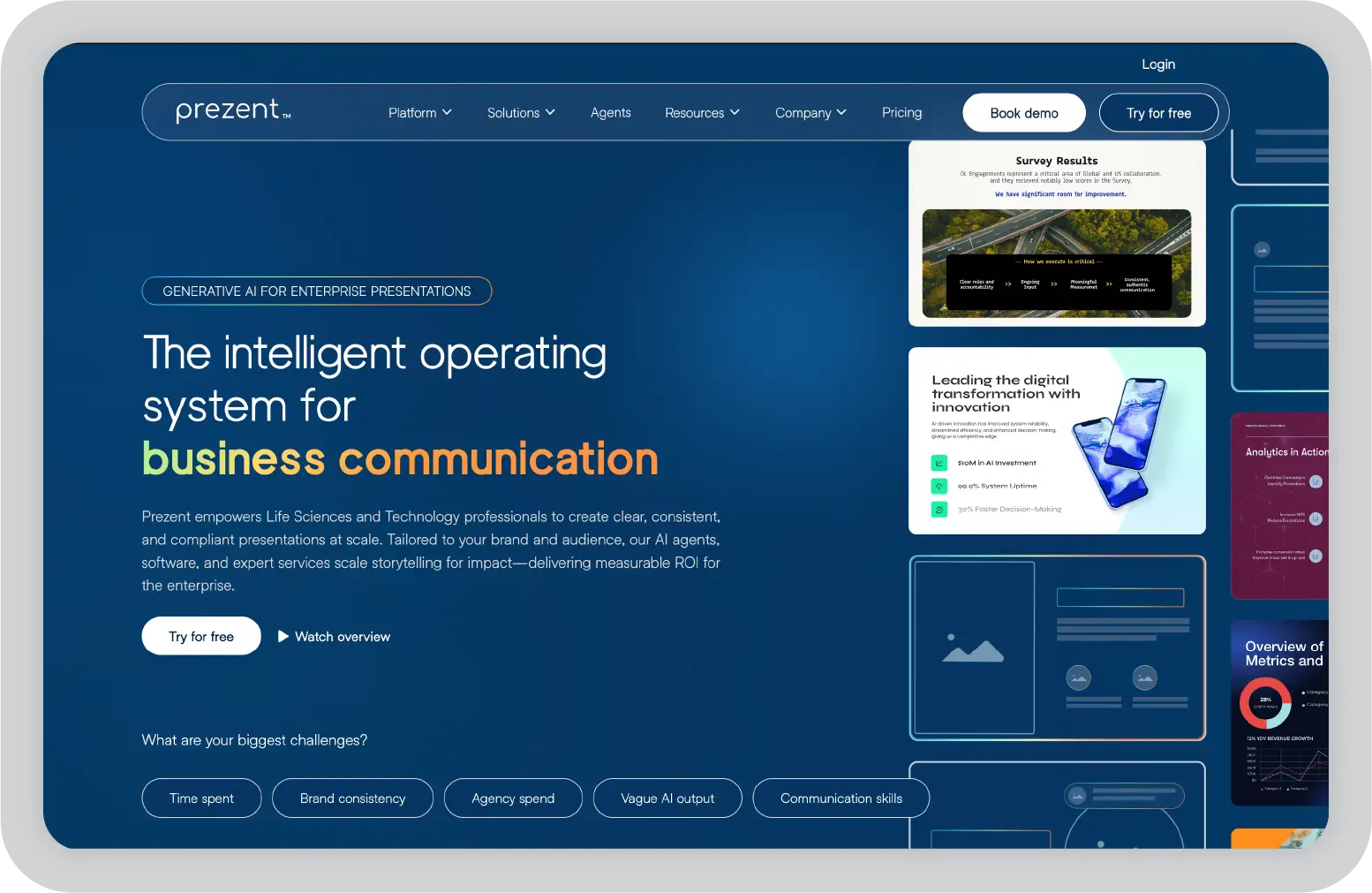
1. Prezent AI

Prezent AI is one of the best AI-powered presentation software I have tried. 

Most NotebookLM alternatives help you understand your documents. Prezent AI takes that a step further: it helps you turn that understanding into something you can actually present.

I’ve spent way too many hours turning messy notes, reports, and PDFs into clean slides. That’s where Prezent AI stood out. Instead of manually structuring everything, I could upload content or give a prompt, and it would build a clear narrative and convert it into a polished, professional presentation.

What I liked most is that it doesn’t just generate slides, it thinks about how the story should flow. The end result feels like something you’d confidently present to a client or leadership team.

Key features

  • AI presentation creation from raw inputs: Converts documents, notes, or prompts into structured, presentation-ready decks with a clear storyline using Astrid AI
  • Built-in brand compliance: Automatically applies company fonts, colors, and templates so every slide stays consistent
  • Large template and slide library: Gives you access to thousands of pre-designed slides and business use-case templates
  • Content transformation: Refreshes old or messy decks into clean, on-brand presentations without manual rework
  • Audience-aware messaging: Adjusts tone and structure based on who you’re presenting to

Pros

  • Saves significant time on formatting and structuring slides
  • Ensures consistency across team presentations
  • Produces output that’s actually usable in real business scenarios
  • Combines AI automation with professional-quality templates

Cons

  • Pricing is better suited for teams than individuals
  • May feel like overkill if you only need document Q&A
  • Requires some adjustment if you’re used to manual slide creation

Pricing

Prezent AI offers custom pricing based on your teams’ requirements.

Best for

Teams and professionals who need to turn research, notes, or data into polished, on-brand presentations.

My take

In my experience, this is the only tool here that truly bridges the gap between research and communication. If presentations are part of your workflow, it’s a strong upgrade from NotebookLM.

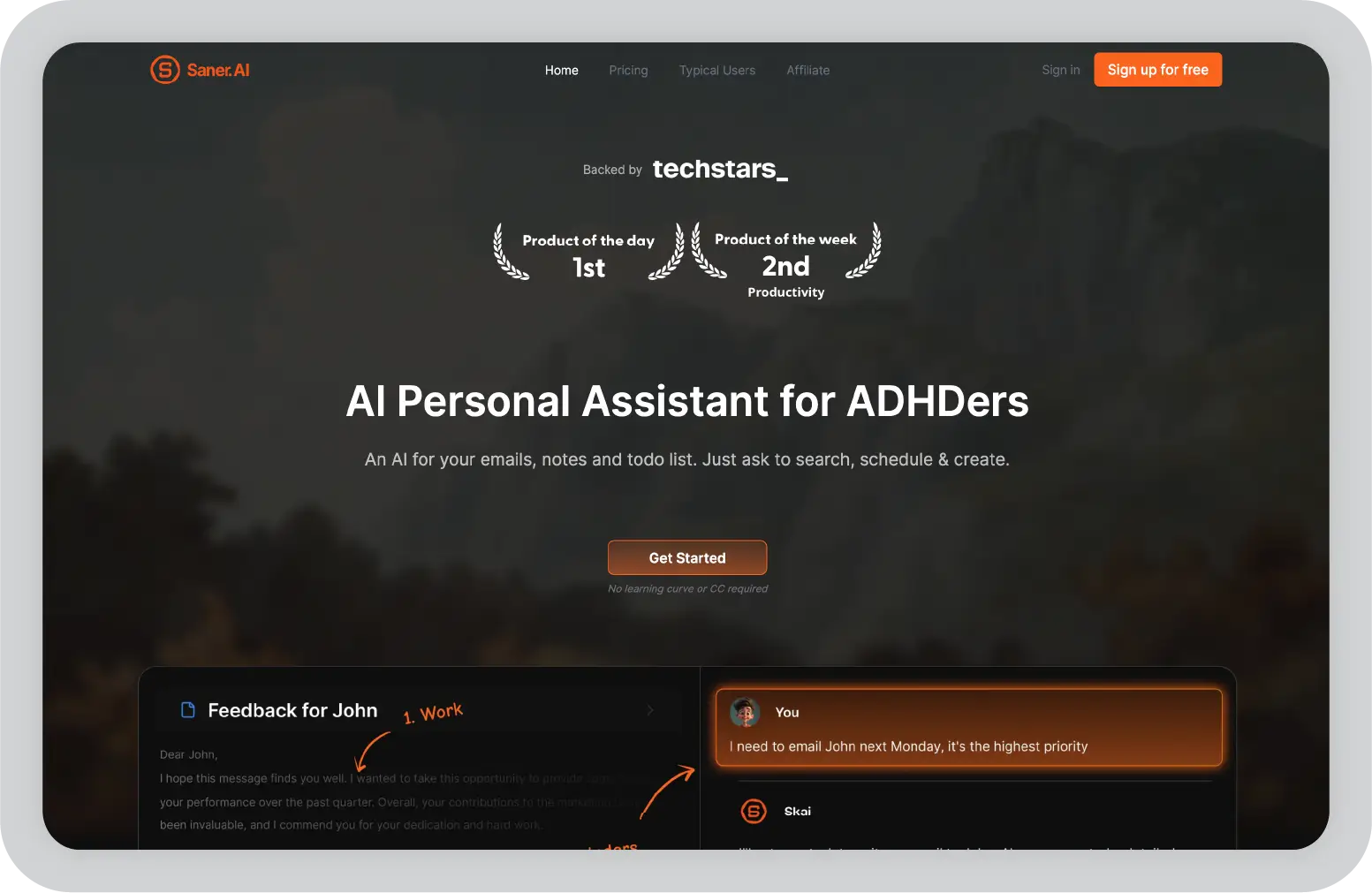
2. Saner.AI

Saner.AI felt like a completely different kind of tool, and honestly, that’s why I found it refreshing.

Instead of focusing on outputs like presentations or summaries, it focuses on helping you think clearly. When I used it, I didn’t feel like I had to organize anything manually. I could just capture ideas, notes, or tasks, and the AI would quietly structure everything in the background.

What stood out to me is how it reduces mental clutter. Most tools expect you to create folders or systems. Saner removes that friction and lets you focus on getting things out of your head and into one place.

Key features

  • Automatic note and file organization: AI sorts, tags, and connects your information without manual setup
  • Personal AI assistant (Skai): Lets you search, retrieve, and interact with your notes using natural language
  • Multi-source capture: Pulls information from emails, documents, and other tools into one workspace
  • Task extraction and reminders: Identifies action items from notes or emails and helps you track them
  • Distraction-free interface: Designed to reduce overwhelm and keep things simple

Pros

  • Eliminates the need for manual organization
  • Great for reducing information overload
  • Combines notes, tasks, and AI in one place
  • Easy to start using without setup

Cons

  • Limited collaboration compared to tools like Notion
  • Not designed for deep academic research
  • Less control if you prefer manual structuring

Pricing

Free plan available, with paid plans starting around $16/month.

Best for

Individuals who want a simple, AI-organized second brain without building complex systems.

My take

If your biggest struggle is staying organized and not losing track of ideas, this tool makes a noticeable difference. It feels less like a productivity app and more like a mental reset.

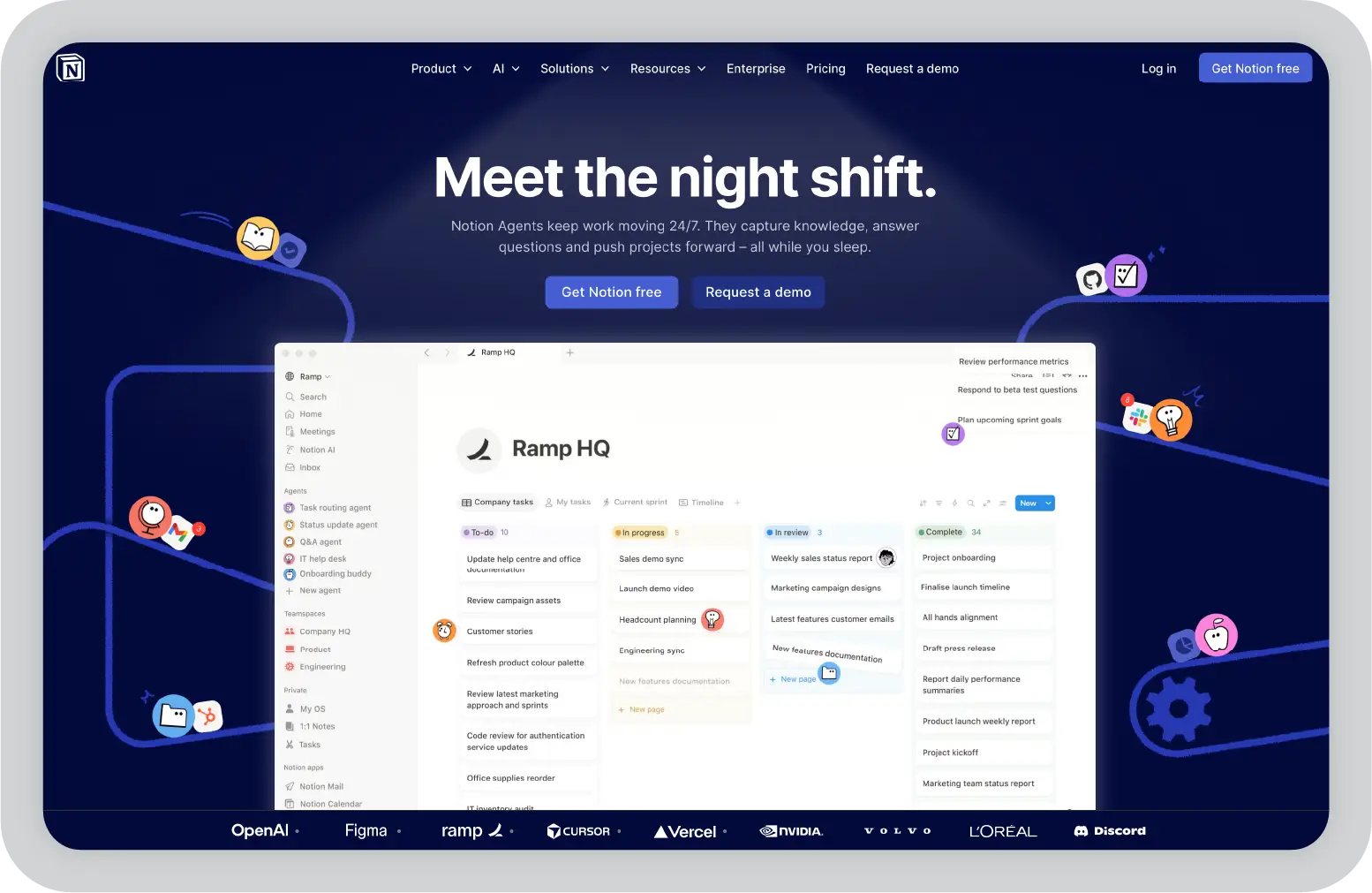
3. Notion

I’ve used Notion on and off for years, and every time I come back to it, I’m reminded why it’s so popular. It’s one of those tools that can be whatever you want it to be: notes, task manager, wiki, database, or all of them at once.

When I compared it to NotebookLM, the biggest difference was flexibility. NotebookLM answers questions about documents. Notion helps you build an entire system around your knowledge.

That said, it’s not as automatic. You don’t just upload files and get instant structure. Instead, you create the structure yourself. For some people, that’s powerful. For others, it can feel like extra work.

Key features

  • Flexible pages and databases: Lets you organize notes, research, and tasks into structured systems like tables, boards, and timelines
  • AI assistance inside your workspace: Helps summarize notes, generate content, and answer questions without leaving the app
  • Real-time collaboration: Multiple people can edit, comment, and manage shared workspaces together
  • Templates for different workflows: Includes ready-made setups for wikis, projects, and research tracking
  • Integrations with common tools: Connects with tools like Slack, Google Drive, and GitHub for a more unified workflow

Pros

  • Extremely flexible. You can build exactly the system you need
  • Strong collaboration features for teams and shared projects
  • Combines notes, tasks, and databases in one place
  • AI features help reduce manual writing and summarization effort

Cons

  • Requires time to set up and organize properly
  • Can feel overwhelming for new users
  • Limited offline functionality compared to local-first tools
  • Privacy depends on cloud storage

Pricing

Free plan available, with paid plans starting at around $10/month, plus an additional cost for AI features.

Best for

Teams and individuals who want a customizable, all-in-one workspace for notes, projects, and collaboration.

My take

In my experience, Notion is powerful but not effortless. If you’re willing to build your system, it can replace multiple tools. If not, it might feel heavier than something like NotebookLM.

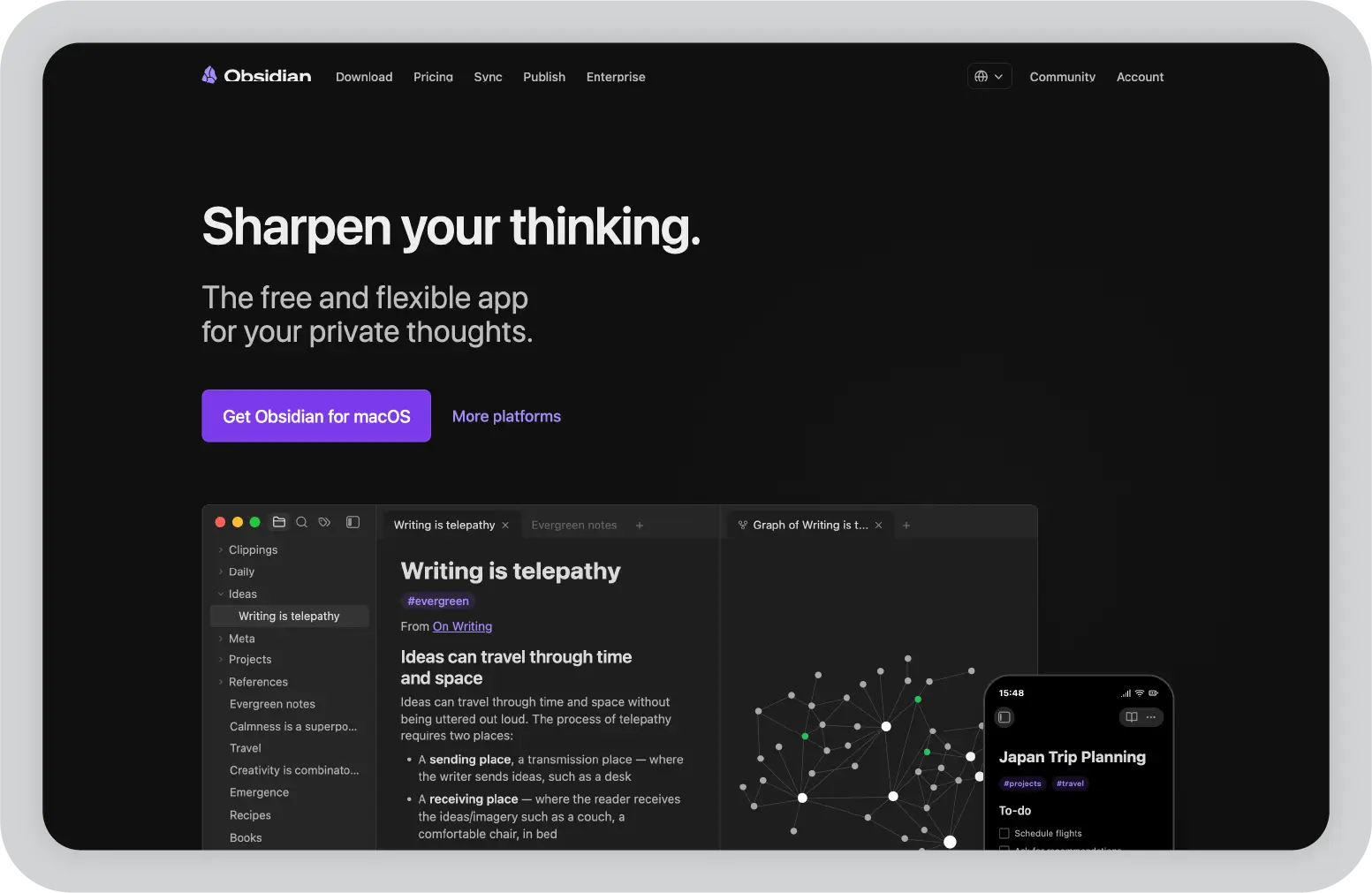
4. Obsidian

Obsidian feels completely different from almost every other tool on this list.

The first thing I noticed is that nothing is stored in the cloud by default, everything lives on your device. That alone makes it stand out if you care about privacy.

But what really makes it interesting is how it connects ideas. Instead of organizing notes into folders, you link them together. Over time, your notes turn into a network of thoughts rather than isolated documents.

It’s not AI-first like NotebookLM, but it’s incredibly strong for long-term thinking and knowledge building.

Key features

  • Local-first storage: All your notes are saved on your device, giving you full control over your data
  • Bidirectional linking: Connect notes to each other, creating a web of related ideas instead of separate files
  • Graph view visualization: Lets you see how your notes are connected across topics
  • Extensive plugin ecosystem: Add features like tasks, calendars, or even AI through community plugins
  • Markdown-based notes: Simple, future-proof format that’s easy to export and own

Pros

  • Strong privacy and full data ownership
  • Works fully offline without limitations
  • Excellent for deep thinking and long-term knowledge management
  • Highly customizable through plugins

Cons

  • No built-in AI features like NotebookLM
  • Requires manual setup and learning
  • Collaboration is limited without additional tools
  • Can feel complex at the beginning

Pricing

Free for personal use, with optional paid features like sync starting around $4/month.

Best for

Privacy-conscious users and individuals who want to build a long-term, interconnected knowledge system.

My take

This is my go-to when I care about ownership and depth. It’s not the fastest tool to get started with, but over time, it becomes incredibly powerful.

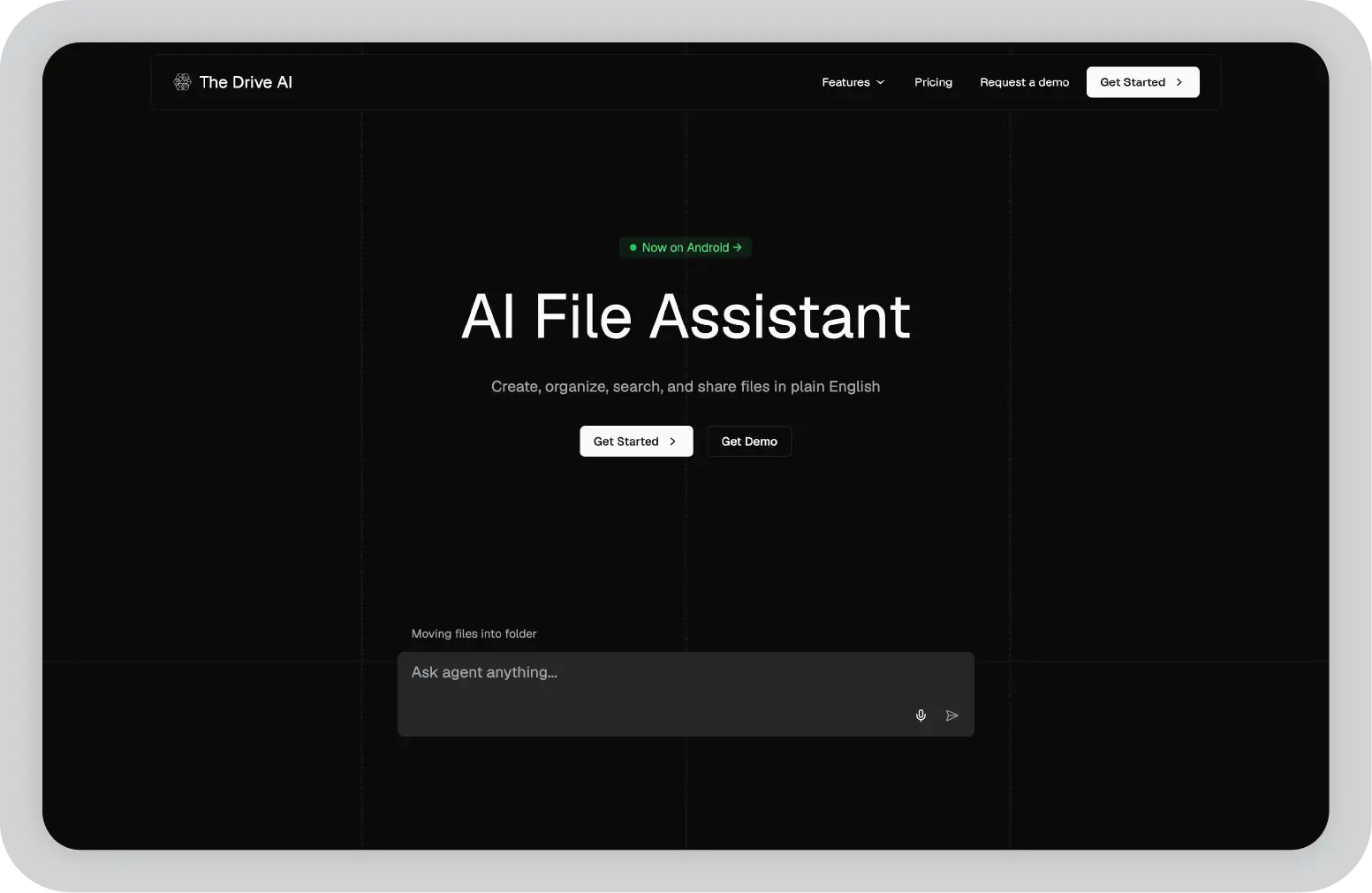
5. TheDrive.AI

If you’ve ever spent time digging through folders, emails, or random downloads trying to find a file, you’ll love TheDrive.AI. 

Instead of acting like a normal storage system, TheDrive.AI actually understands your files and organizes them for you.

When I used it, the biggest difference was how little manual effort was required. Files weren’t just stored. They were renamed, categorized, and made searchable in a way that actually made sense.

Key features

  • Automatic file organization: Upload files and the AI renames, categorizes, and structures them without manual sorting
  • Natural language search across files: Lets you ask questions and find documents based on meaning, not just file names
  • Email and cloud integration: Pulls attachments and files from tools like Gmail into one centralized workspace
  • AI-powered document interaction: Allows you to query, summarize, and extract insights directly from your stored files
  • Shared workspaces for teams: Enables collaboration around a shared pool of documents and knowledge

Pros

  • Eliminates time spent searching for lost or poorly named files
  • Makes large volumes of documents easy to manage
  • Combines storage, search, and AI into one system
  • Useful for both individual and team workflows

Cons

  • Requires cloud usage (no true offline mode)
  • Less suited for structured note-taking or knowledge building
  • Still evolving compared to more established tools

Pricing

Free plan available. Paid plan starts at $19.99/month

Best for

Professionals and teams dealing with large volumes of files, attachments, and scattered documents.

My take

If NotebookLM helps you understand documents, TheDrive.AI helps you find and manage them. For me, it solved a very real problem.

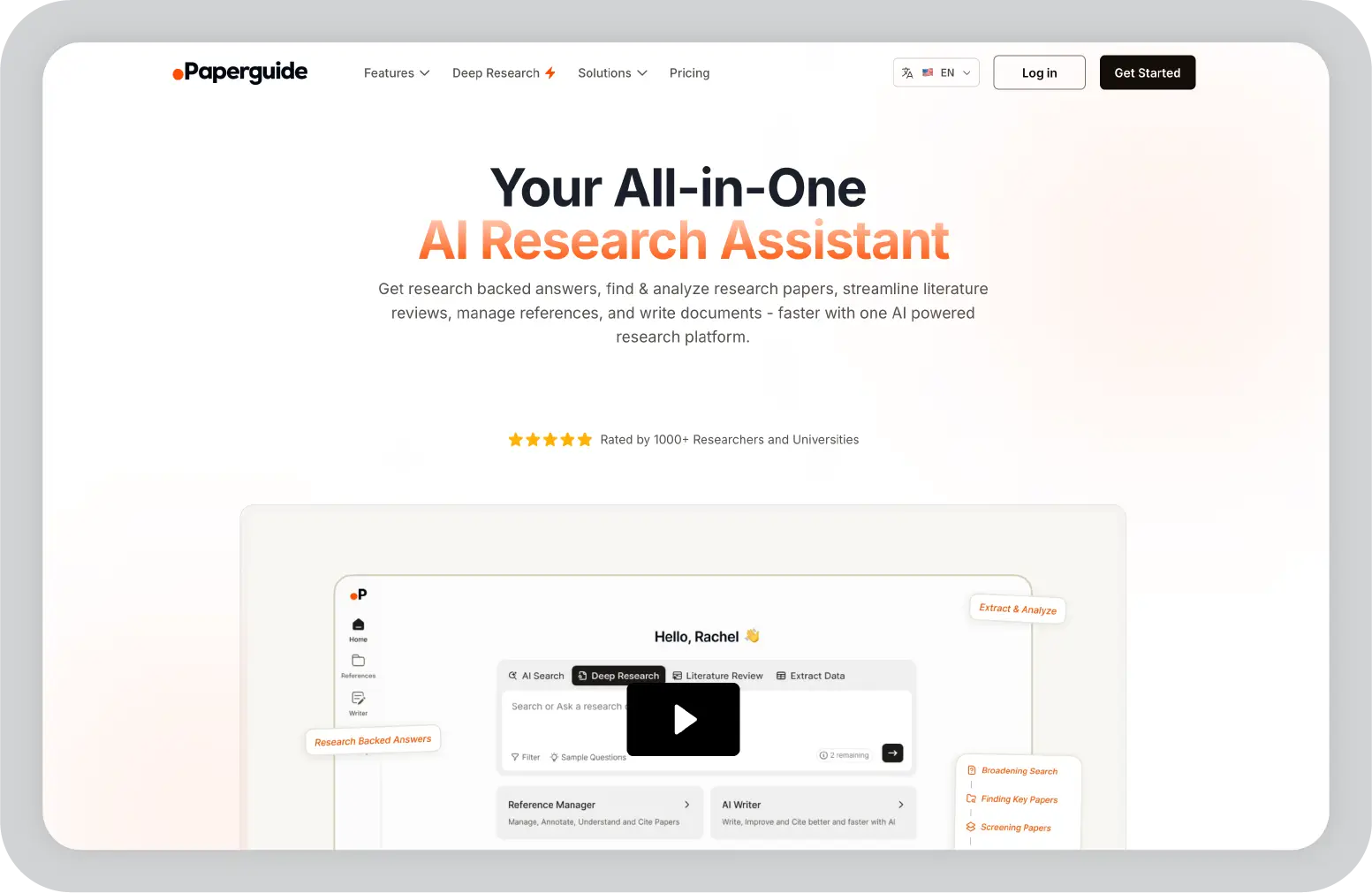
6. Paperguide

Paperguide is much more focused, and that’s exactly why it works so well.

When I tested it, it felt clearly built for one thing: academic research. Instead of trying to be a general productivity tool, it focuses on helping you read, understand, and organize research papers efficiently.

If you’ve ever worked on a thesis or literature review, you know how time-consuming it can be to go through multiple papers, extract insights, and manage citations. Paperguide simplifies that entire process.

Key features

  • AI-powered paper summaries: Breaks down complex research papers into clear, digestible insights
  • Interactive document Q&A: Lets you ask questions directly about a paper and get contextual answers
  • Citation and reference management: Supports exporting citations in formats like BibTeX for academic writing
  • Research library organization: Helps you store, categorize, and revisit papers in one place
  • Insight extraction across papers: Identifies key findings and connections between different sources

Pros

  • Speeds up literature reviews significantly
  • Simplifies understanding of dense academic content
  • Built specifically for research workflows
  • Helps manage citations and references in one place

Cons

  • Limited use outside academic or research contexts
  • No offline functionality
  • Minimal collaboration features
  • Not designed for general note-taking or productivity

Pricing

Free plan available. Paid plans start at $12/month

Best for

Students, researchers, and academics working on papers, theses, or literature reviews.

My take

If your workflow involves research papers, this tool removes a lot of the friction. It’s not trying to do everything, and that’s exactly why it’s effective.

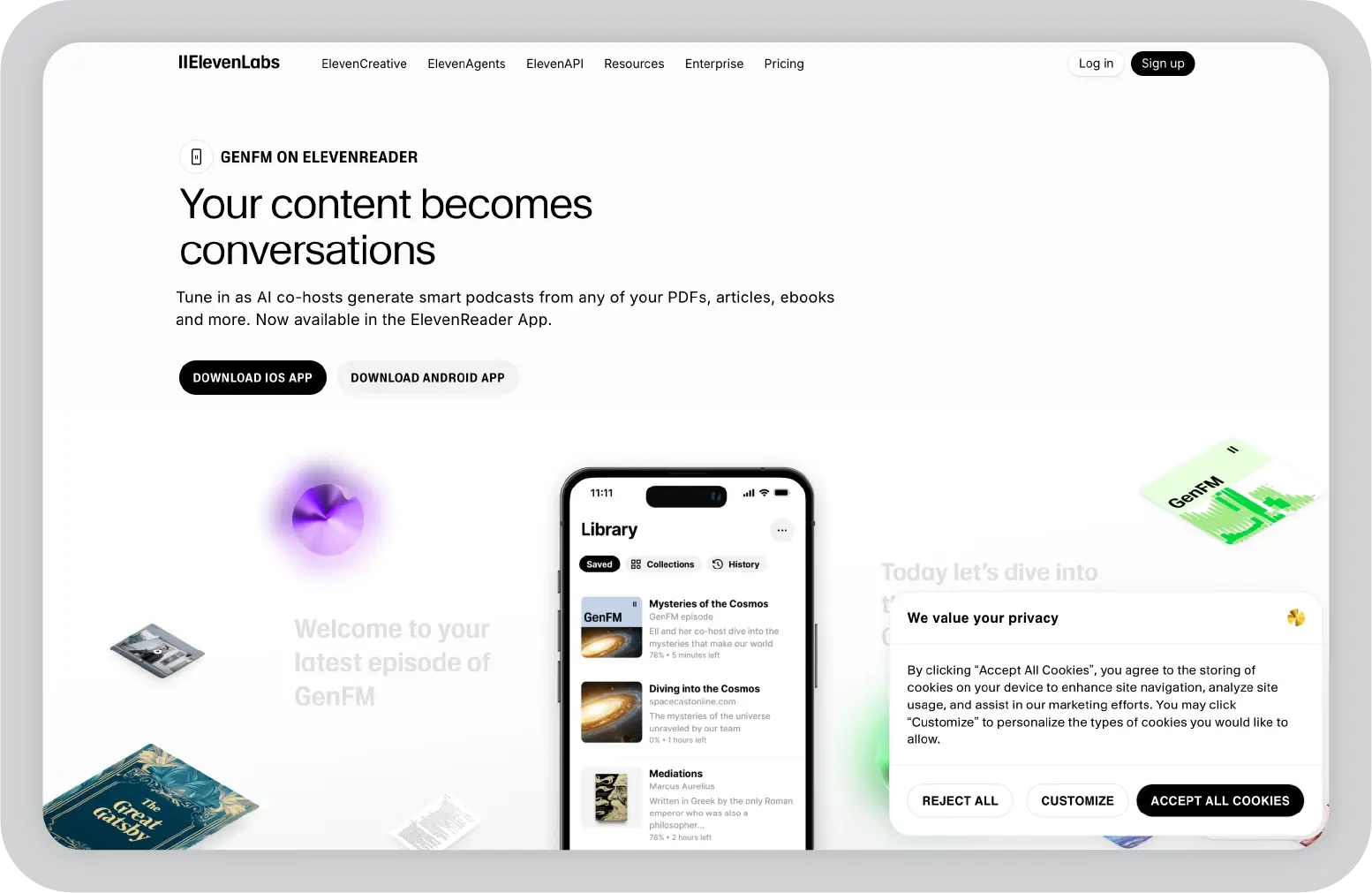
7. ElevenLabs GenFM

ElevenLabs GenFM was probably the most unexpected tool I tried on this list.

Instead of helping you read or organize content, it changes how you consume it. You upload a document, and it turns it into a podcast-style conversation with AI voices.

At first, I thought it would just be basic text-to-speech. But it’s actually much more engaging than that. It feels like two people discussing your document, which makes it easier to follow, especially for long or complex content.

Key features

  • Podcast-style audio generation: Converts documents into conversational audio with multiple AI speakers instead of a single monotone voice
  • Context-aware summarization in audio form: Highlights key ideas and explains them rather than reading everything word-for-word
  • Supports multiple content formats: Works with PDFs, articles, notes, and other written material
  • High-quality, natural-sounding voices: Uses realistic voice models that feel closer to human conversation
  • Multi-language support: Allows content to be consumed in different languages

Pros

  • Makes long-form content easier to consume, especially while multitasking
  • More engaging than traditional text-to-speech tools
  • Great for auditory learners or people who prefer listening over reading
  • Saves time when going through dense material

Cons

  • Not useful for organizing or managing knowledge
  • No offline functionality
  • Limited customization of structure or output
  • Doesn’t support research workflows like citations or note-taking

Pricing

Credit based pricing system.

Best for

Audio learners and professionals who want to consume content on the go.

My take

This is one of those tools that fits a very specific need, but if that need matches your workflow, it’s incredibly useful. I found it especially helpful for turning long reads into something I could listen to while doing other things.

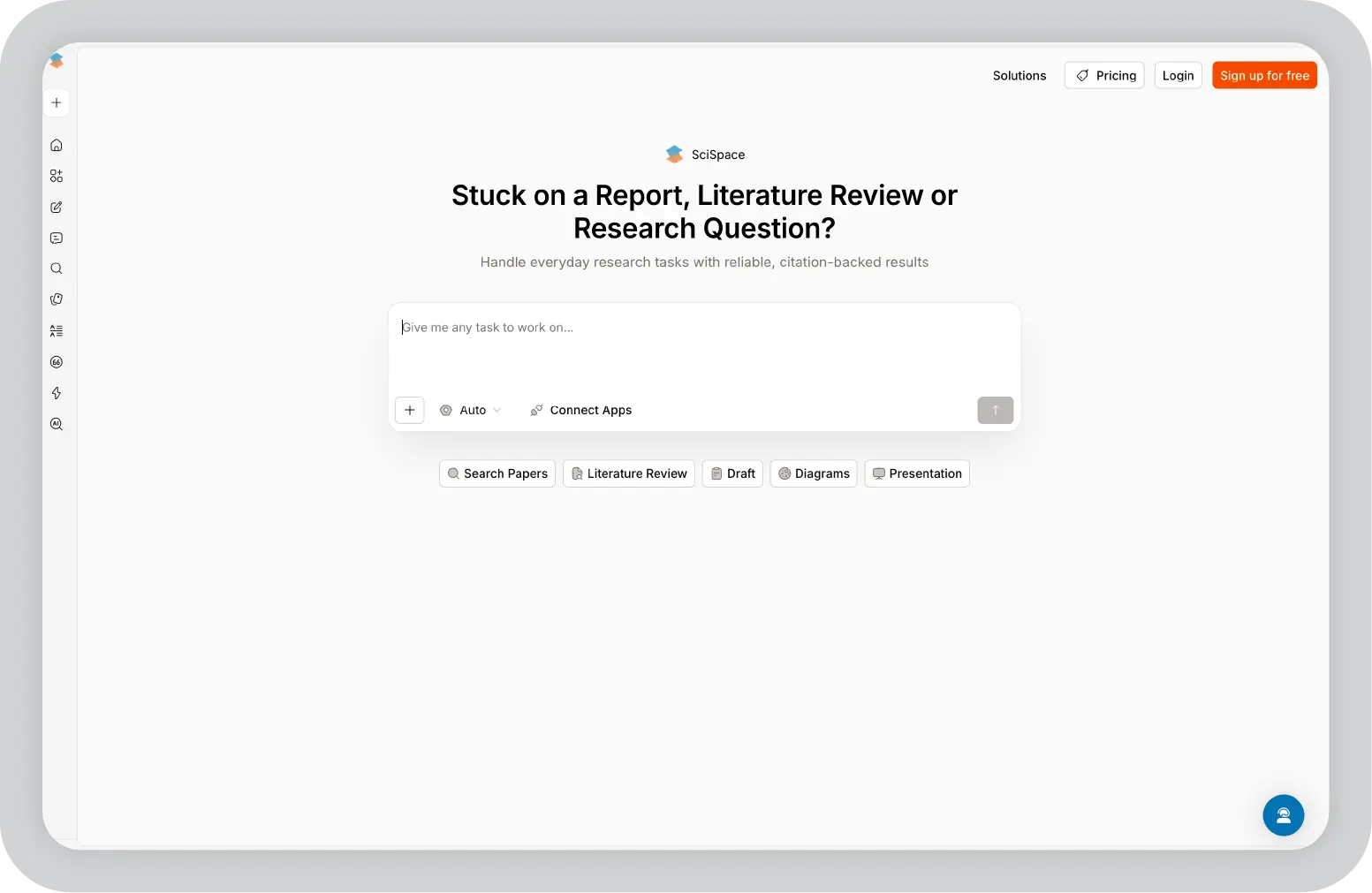
8. Scispace

Scispace is one of the most useful tools I tried specifically for understanding research papers.

If you’ve ever opened an academic paper and felt overwhelmed by dense language, complex terminology, or long explanations, this tool makes a noticeable difference. Instead of just summarizing, it actually helps you understand what’s going on.

What I liked most is how interactive it feels. You can upload a paper and ask questions directly, almost like having a tutor walk you through it.

Key features

  • Chat with PDF functionality: Lets you ask questions directly about a research paper and get clear, contextual explanations
  • AI-powered simplification of complex concepts: Breaks down technical language into easier-to-understand insights
  • Literature review support: Helps analyze multiple papers and identify key themes, findings, and gaps
  • Built-in citation tools: Generates references and helps manage sources for academic writing
  • Access to a large research database: Makes it easier to discover relevant papers alongside your own uploads

Pros

  • Makes complex academic content much easier to understand
  • Saves significant time on reading and analysis
  • Strong support for literature reviews and research workflows
  • Combines discovery, reading, and writing in one place

Cons

  • Limited usefulness outside academic or research-heavy work
  • No offline access
  • Collaboration features are minimal
  • Can feel specialized compared to general-purpose tools

Pricing

Free plan available, with paid plans starting around $20/month.

Best for

Students, researchers, and academics who need to read, understand, and analyze research papers quickly.

My take

If you deal with research papers regularly, this is one of the biggest time-savers on the list. It turns something that usually takes hours into something much more manageable.

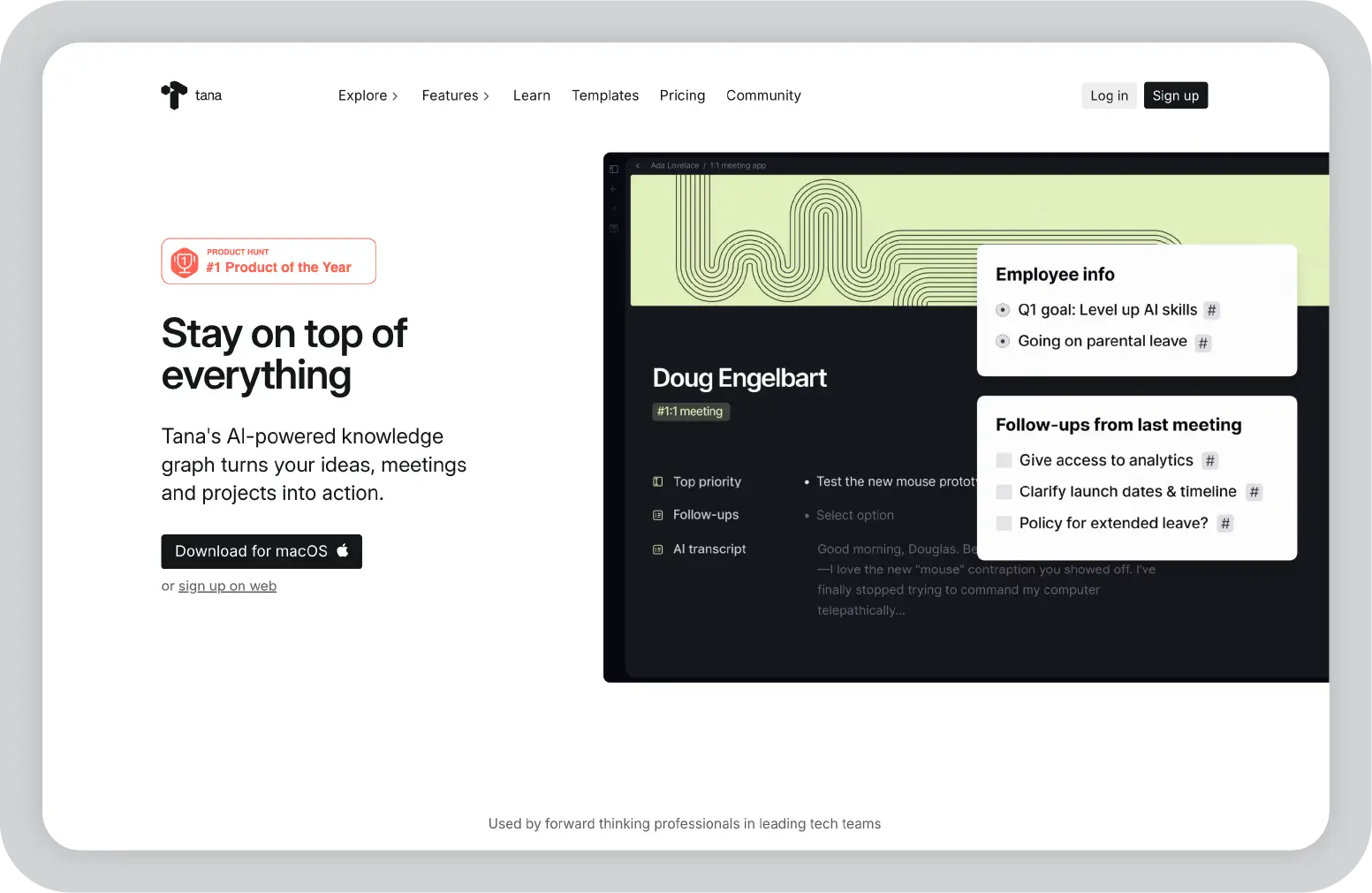
9. Tana

Tana is probably the most powerful tool on this list, but also the one that took me the longest to understand.

At first, it doesn’t feel like a typical note-taking app. Instead of pages or folders, everything is built around “nodes” and “tags.” Once it clicks, though, you realize how flexible it is.

What stood out to me is how structured everything becomes. You’re not just writing notes, you’re creating a system where information can be reused, filtered, and connected in different ways.

Key features

  • Node-based information system: Every piece of content becomes a structured unit that can be reused across your workspace
  • Supertags for dynamic organization: Lets you define templates and behaviors for different types of information (like tasks, meetings, or ideas)
  • Outliner-style interface: Makes it easy to quickly capture and organize thoughts in a hierarchical format
  • AI integration within workflows: Helps generate content, summarize notes, and extract action items directly in context
  • Search and query capabilities: Allows you to filter and retrieve information dynamically across your entire system

Pros

  • Extremely flexible and powerful once set up
  • Great for building custom workflows and systems
  • Combines structure and creativity effectively
  • Supports offline use

Cons

  • Steep learning curve for new users
  • Requires time to set up properly
  • Not as intuitive as simpler tools
  • Limited built-in AI compared to dedicated AI tools

Pricing

Free plan available, with paid plans starting around $8/month.

Best for

Power users, researchers, and creators who want a highly customizable knowledge and workflow system.

My take

This isn’t the easiest tool to start with, but if you invest the time, it becomes one of the most powerful systems you can build for yourself.

Choosing the Right NotebookLM Alternative for Your Workflow

After trying all these tools, my biggest takeaway is this: most NotebookLM alternatives help you work with information, but very few help you do something meaningful with it.

You can summarize documents, organize notes, or even analyze multiple sources, but at some point, you still have to turn all of that into something clear, structured, and ready to share.

That’s where I found Prezent AI to be different.

Instead of stopping at insights, it actually helps you move all the way to output. You can take raw inputs such as documents, notes, or even rough ideas, and turn them into structured, presentation-ready decks with a clear narrative, consistent design, and messaging tailored to your audience.

Features like Astrid AI, Story Builder, automatic brand compliance, and the ability to transform messy content into polished slides make a noticeable difference in real workflows. You’re not just saving time, you’re also improving how your ideas come across.

If your work involves presentations, stakeholder communication, or turning research into decisions, this shift matters more than you’d expect.

If that sounds relevant to your workflow, it’s worth exploring Prezent AI. You can book a demo or start your 14-day free trial and see how it helps you go from scattered information to something polished, structured, and ready to present.

NotebookLM alternatives: frequently asked questions

1. What is the best NotebookLM alternative?

In my experience, the best alternative depends on what you need. If you want simple document Q&A, tools like Notion work well. For research, Scispace and Paperguide are strong. But if your goal is to turn insights into presentations or business output, Prezent AI stands out.

2. Which NotebookLM alternatives work offline?

Not many tools offer true offline access. From what I’ve seen, Obsidian, and Tana are the best options if you want full control over your data and the ability to work without an internet connection.

3. Are there better tools than NotebookLM for research?

Yes. NotebookLM is good for basic document understanding, but tools like Scispace, Paperguide, and Notion go deeper. They offer better PDF analysis, citation support, and multi-document research capabilities.

4. Can I turn documents into presentations using NotebookLM alternatives?

Most tools don’t go that far, they stop at summaries or answers. In my experience, Prezent AI is one of the few tools that can take documents or notes and turn them into structured, presentation-ready slides.

5. Is NotebookLM enough for professional or team use?

It depends on your needs. For individual use and quick research, it works fine. But for teams, collaboration, structured workflows, or polished outputs, tools like Notion, TheDrive.AI, or Prezent AI are usually a better fit.

Ready to create impactful presentations?

Try for free

About the author

Picture of Niyati Mahale

Niyati Mahale

Niyati Mahale is a Content Marketing Specialist with over 5 years of experience creating product-led content that drives conversions. She focuses on building high-intent, search-driven content that aligns closely with product value and turns traffic into users. Having worked with several SaaS and AI-first companies, she specializes in bridging content strategy with measurable growth.

Connect with her on LinkedIn.

No items found.
No items found.
Related resources

BLOG
Supriya Sarkar
April 1, 2026
The best B2B AI tools for enterprise teams: Features, pros and cons, pricing, and use cases
Find the best B2B AI tools for enterprise teams. Evaluate features, pricing, pros and cons, and use cases to choose tools that fit your workflows and deliver measurable impact.
BLOG
Niyati Mahale
April 1, 2026
11 best Genspark AI alternatives I tested for 2026
This guide covers the best Genspark AI alternatives for content, SEO, and presentations. Compare features, pricing, and real-world usability to find the right tool.
BLOG
Supriya Sarkar
April 1, 2026
What is presentation software? A complete guide to how it works, what to look for, and how to choose the right one
What is a presentation software? This guide explains how it works, key features to look for, and how to choose the best presentation software.
BLOG
Supriya Sarkar
March 31, 2026
PopAI review: Complete breakdown of features, pricing, and alternatives
PopAI review: Is this AI tool right for business presentations? Explore features, pricing, limitations, and enterprise alternatives.
BLOG
Niyati Mahale
March 27, 2026
Microsoft Copilot review for presentations: features, pricing & limitations
Explore Microsoft Copilot’s features, pricing, and limitations for presentations. See how it performs and whether it fits your workflow.
BLOG
Niyati Mahale
March 27, 2026
Adobe Review (2026): Is Adobe InDesign Worth It for Business Use?
This Adobe review evaluates Adobe InDesign’s features, pricing, and usability. See how it performs for business workflows and where it falls short.
BLOG
Niyati Mahale
March 27, 2026
Best AI Pitch Deck Generators in 2026 (Tested & Reviewed)
I tested the best AI pitch deck generators to see which tools actually help you build clear, structured, and convincing pitch decks faster.
BLOG
Supriya Sarkar
March 26, 2026
10 Best PopAI alternatives: Compare features, AI capabilities, pricing, and free plans
Find the best PopAI alternatives and AI presentation makers. Compare AI features, pricing, and free plans to create smarter, more professional presentations.
BLOG
Niyati Mahale
March 27, 2026
Best Plus AI Alternatives in 2026: Top 8 AI Presentation Tools
I tested the best Plus AI alternatives to see which tools actually create presentation-ready decks. Here are the top AI presentation tools worth using in 2026.
BLOG
Supriya Sarkar
March 27, 2026
Nano Banana review: Evaluating strengths, workflow gaps, and AI solutions for enterprise presentations
Nano Banana review for enterprise presentations. Explore visual strengths, identify workflow gaps, and see how teams use AI to build faster, executive-ready presentations.
BLOG
Niyati Mahale
March 27, 2026
11 Best SlideShare Alternatives for Sharing Presentations
Explore the best SlideShare alternatives for creating and sharing presentations. Compare tools for hosting, collaboration, design, and presentation analytics.
BLOG
Niyati Mahale
March 23, 2026
Beautiful.ai Review (2026): Features, Pricing, Pros & Cons
An in-depth Beautiful.ai review covering features, pricing, pros, and limitations to help you decide if it’s the right presentation tool for your needs.
Free 14-Day Trial*

Customized On-Boarding*