Last Updated :
April 11, 2024
Supriya Sarkar

Transform presentation creation: A recap of our webinar episode 2

Discover how in Prezent's webinar replay, episode 2. Get actionable tips to transform presentation creation and captivate your audience.
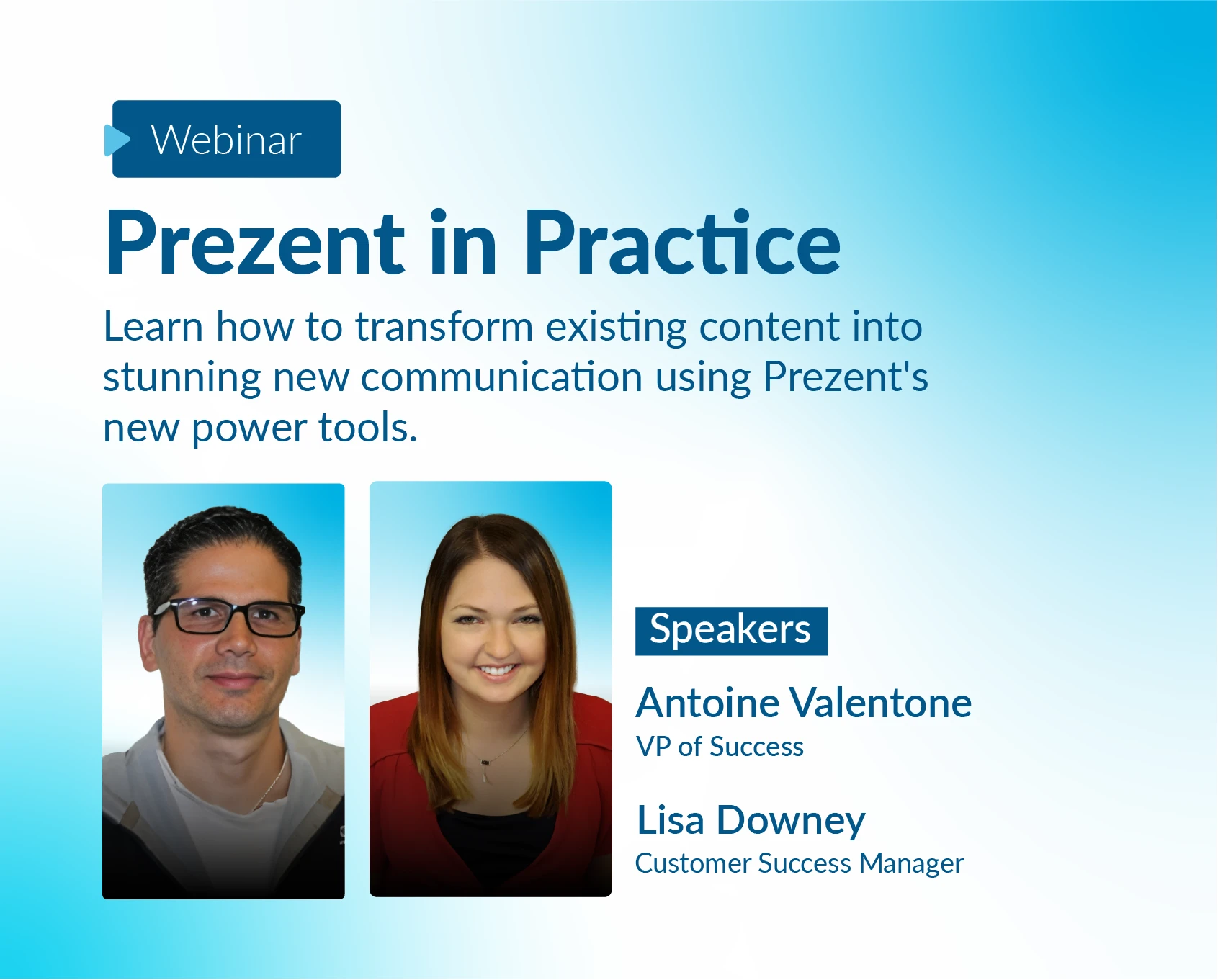
prezent in practice webinar episode 2 with Antoine Valentone and Lisa Downey

The second episode of our webinar series which went live on 9th April, was a deep dive into the solutions aimed at simplifying and enhancing the presentation creation process for professionals. Hosted by Antoine Valentone, Head of Customer Success, and Lisa Downey, a seasoned Customer Success Manager, the webinar attracted professionals from various industries eager to overcome their presentation challenges.

Participants enthusiastically shared their common presentation hurdles, ranging from time constraints to technical difficulties and the struggle to craft engaging content. With these challenges in mind, Antoine and Lisa unveiled Prezent, a comprehensive solution promising to revolutionize the way professionals create presentations.

Solutions:

During the webinar, attendees were introduced to several key features of Prezent designed to address their pain points:

1. Slide Library: Present offers a vast Slide Library comprising ready-to-use slides tailored to different business needs. This feature allows users to swiftly assemble a cohesive presentation without the hassle of starting from scratch.

2. Story Builder: Crafting compelling narratives is made effortless with Prezent's Story Builder tool. Attendees learned how to structure their presentations effectively, captivating their audience from start to finish.

3. Auto Generator: Auto Generator was introduced in the previous episode of “Prezent in Practice” and took up relevant space in this session as well. This premium feature automates slide creation by generating polished slides from simple prompts. By sourcing relevant data from the web, Auto Generator empowers users to create professional presentations in a fraction of the time.

In this episode, the attendees were introduced to two additional premium Transform features:

1. Template Converter: Streamlining the process of converting templates, Template Converter simplifies the customization of presentation layouts to align with users' preferences and branding.

2. Synthesis: This feature facilitates the creation of executive summaries, empowering professionals to distill complex information into concise and impactful insights, presented in a polished manner.

Antoine and Lisa demonstrated each tool to showcase their user-friendly interfaces and customizable features, empowering users to tailor slides according to their specific requirements with ease. These Prezent’s features not only help professionals save time but also help them enhance their productivity at work.

With Slide Library, Story Builder, Auto Generator, Template Converter, and Synthesis, Prezent aims to support professionals in achieving presentation excellence.

Ready to create impactful presentations?

Try for free
No items found.
No items found.
Related resources

BLOG
Supriya Sarkar
April 1, 2026
The best B2B AI tools for enterprise teams: Features, pros and cons, pricing, and use cases
Find the best B2B AI tools for enterprise teams. Evaluate features, pricing, pros and cons, and use cases to choose tools that fit your workflows and deliver measurable impact.
BLOG
Niyati Mahale
April 1, 2026
11 best Genspark AI alternatives I tested for 2026
This guide covers the best Genspark AI alternatives for content, SEO, and presentations. Compare features, pricing, and real-world usability to find the right tool.
BLOG
Supriya Sarkar
April 1, 2026
What is presentation software? A complete guide to how it works, what to look for, and how to choose the right one
What is a presentation software? This guide explains how it works, key features to look for, and how to choose the best presentation software.
BLOG
Supriya Sarkar
March 31, 2026
PopAI review: Complete breakdown of features, pricing, and alternatives
PopAI review: Is this AI tool right for business presentations? Explore features, pricing, limitations, and enterprise alternatives.
BLOG
Niyati Mahale
March 27, 2026
Microsoft Copilot review for presentations: features, pricing & limitations
Explore Microsoft Copilot’s features, pricing, and limitations for presentations. See how it performs and whether it fits your workflow.
BLOG
Niyati Mahale
March 27, 2026
Adobe Review (2026): Is Adobe InDesign Worth It for Business Use?
This Adobe review evaluates Adobe InDesign’s features, pricing, and usability. See how it performs for business workflows and where it falls short.
BLOG
Niyati Mahale
March 27, 2026
Best AI Pitch Deck Generators in 2026 (Tested & Reviewed)
I tested the best AI pitch deck generators to see which tools actually help you build clear, structured, and convincing pitch decks faster.
BLOG
Supriya Sarkar
March 26, 2026
10 Best PopAI alternatives: Compare features, AI capabilities, pricing, and free plans
Find the best PopAI alternatives and AI presentation makers. Compare AI features, pricing, and free plans to create smarter, more professional presentations.
BLOG
Niyati Mahale
March 27, 2026
Best Plus AI Alternatives in 2026: Top 8 AI Presentation Tools
I tested the best Plus AI alternatives to see which tools actually create presentation-ready decks. Here are the top AI presentation tools worth using in 2026.
BLOG
Supriya Sarkar
March 27, 2026
Nano Banana review: Evaluating strengths, workflow gaps, and AI solutions for enterprise presentations
Nano Banana review for enterprise presentations. Explore visual strengths, identify workflow gaps, and see how teams use AI to build faster, executive-ready presentations.
BLOG
Niyati Mahale
March 27, 2026
11 Best SlideShare Alternatives for Sharing Presentations
Explore the best SlideShare alternatives for creating and sharing presentations. Compare tools for hosting, collaboration, design, and presentation analytics.
BLOG
Niyati Mahale
March 23, 2026
Beautiful.ai Review (2026): Features, Pricing, Pros & Cons
An in-depth Beautiful.ai review covering features, pricing, pros, and limitations to help you decide if it’s the right presentation tool for your needs.
Free 14-Day Trial*

Customized On-Boarding*











